
How To Use / 使用方法
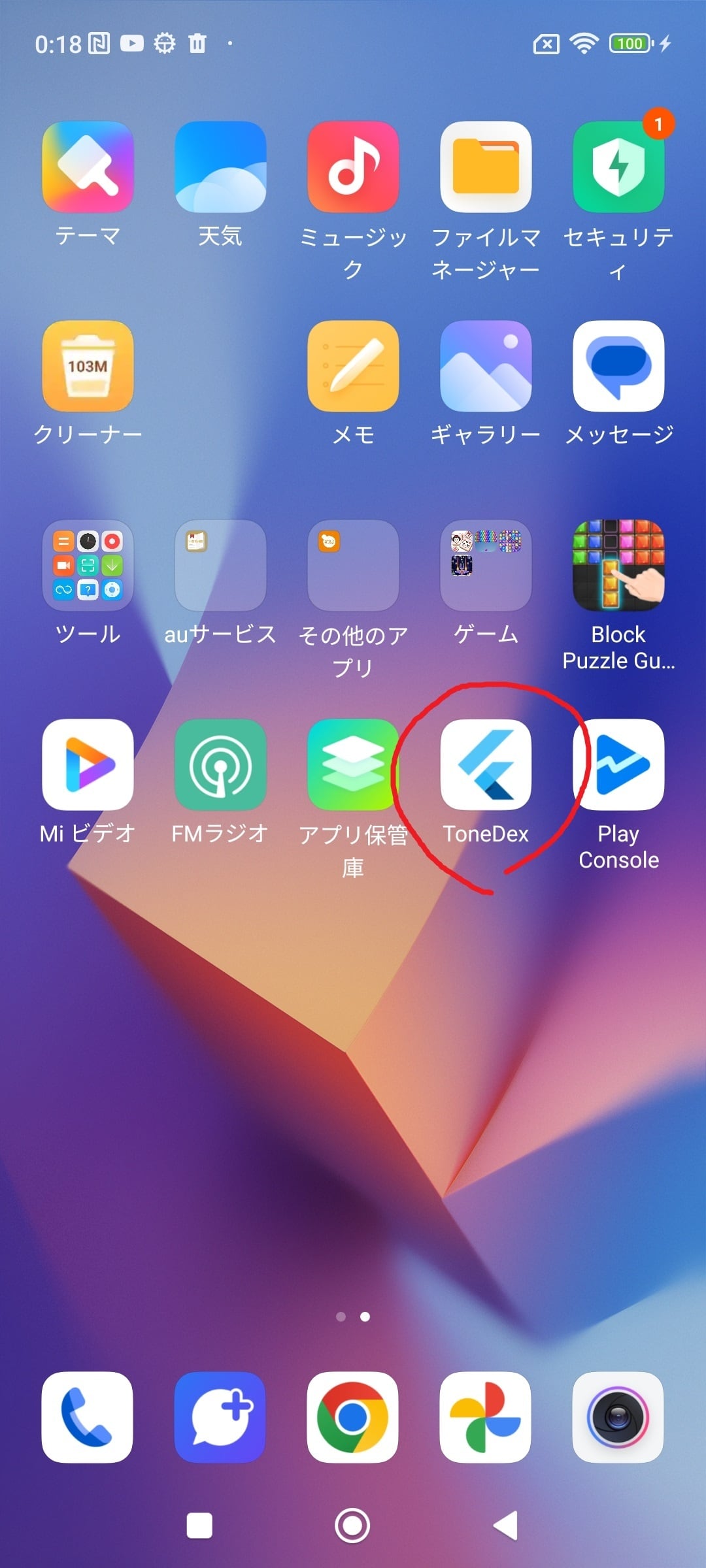
Launch the app.
アプリを起動。
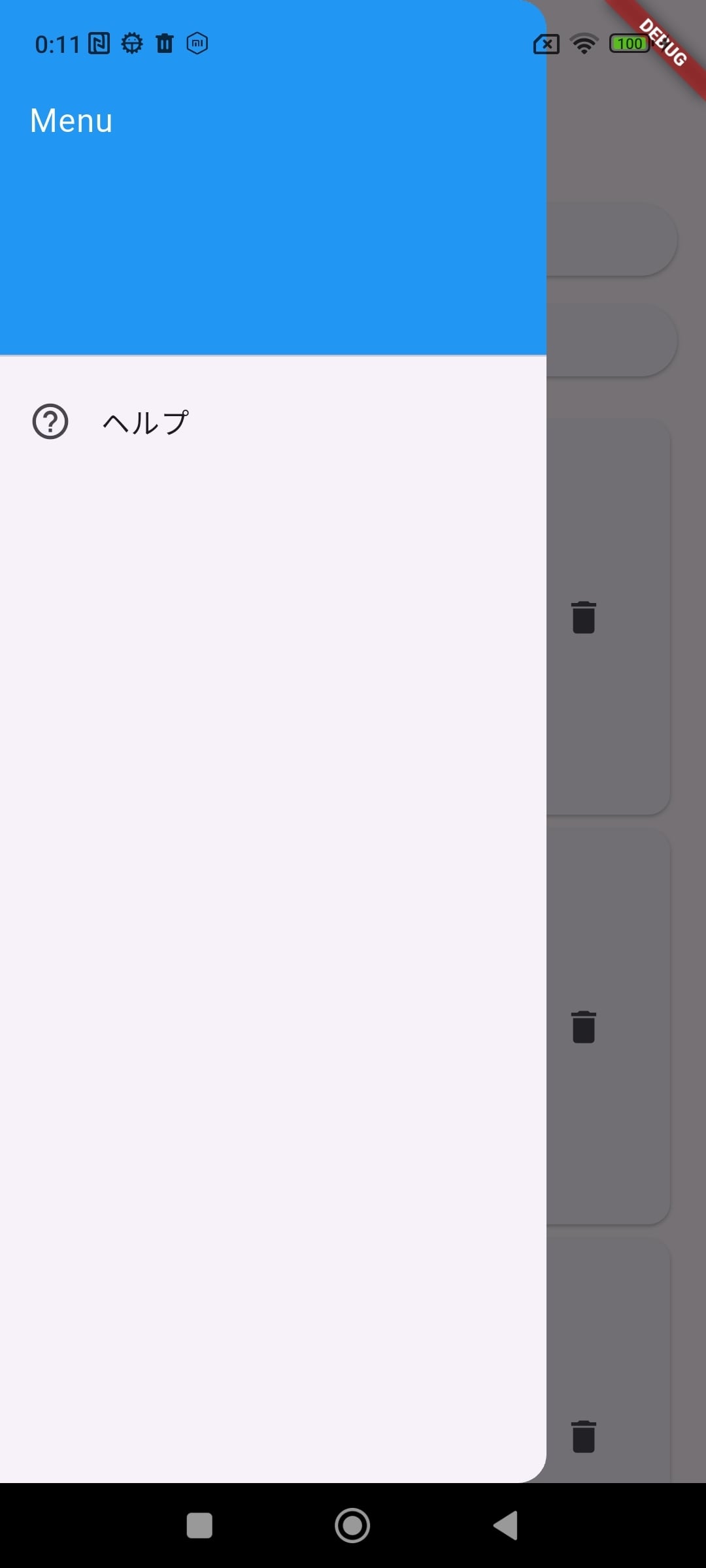
Open the Help menu from the menu bar to review usage instructions.
メニューバーからヘルプを確認。
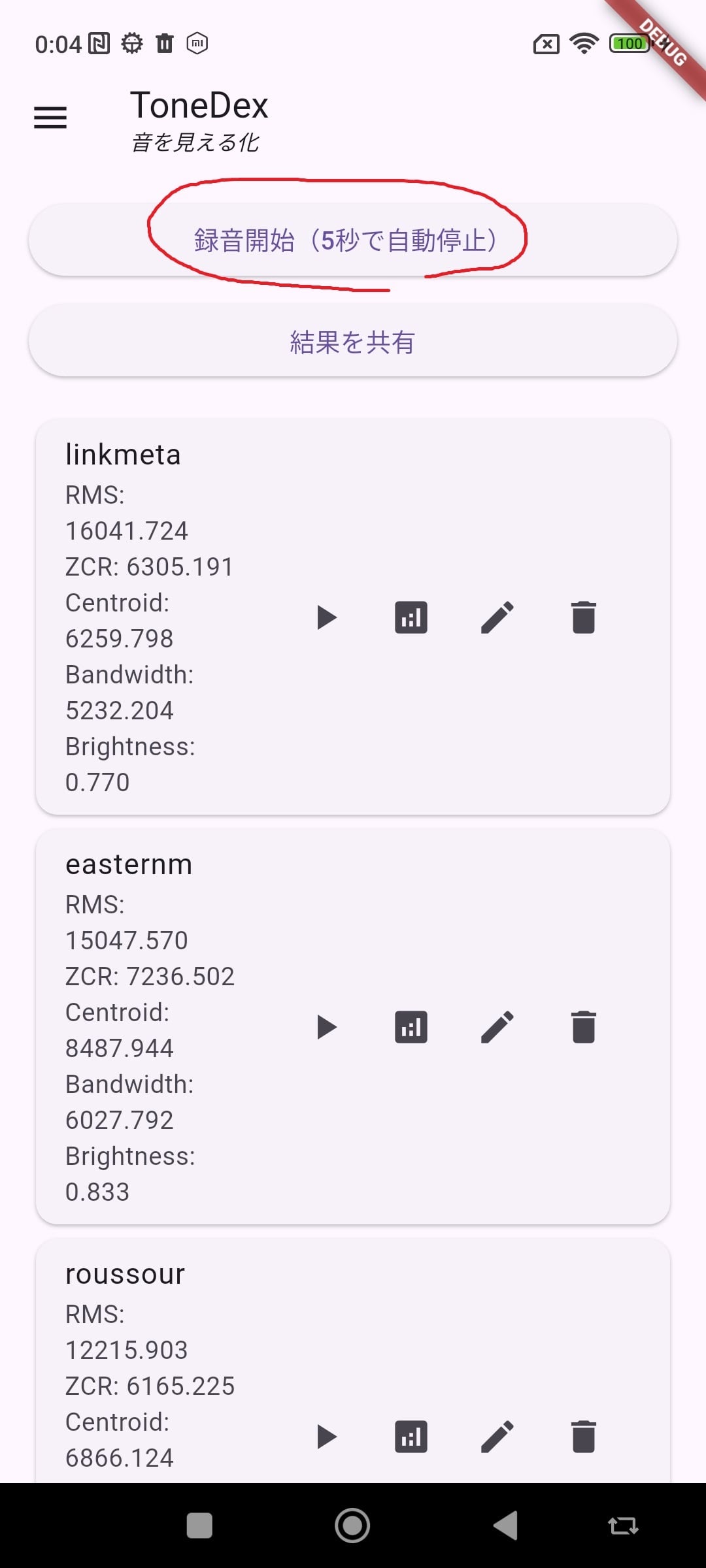
Tap the Record button to record your instrument sound. Recording automatically stops after 5 seconds.
To compare tone under different conditions, record multiple times.
For wind instruments, sustain a single tone for the full 5 seconds.
録音ボタンを押し、楽器音を録音。5秒間で自動停止。条件を変えて音質を比較する場合には複数回録音する。管楽器であれば、1つの音を5秒間延ばして演奏します。
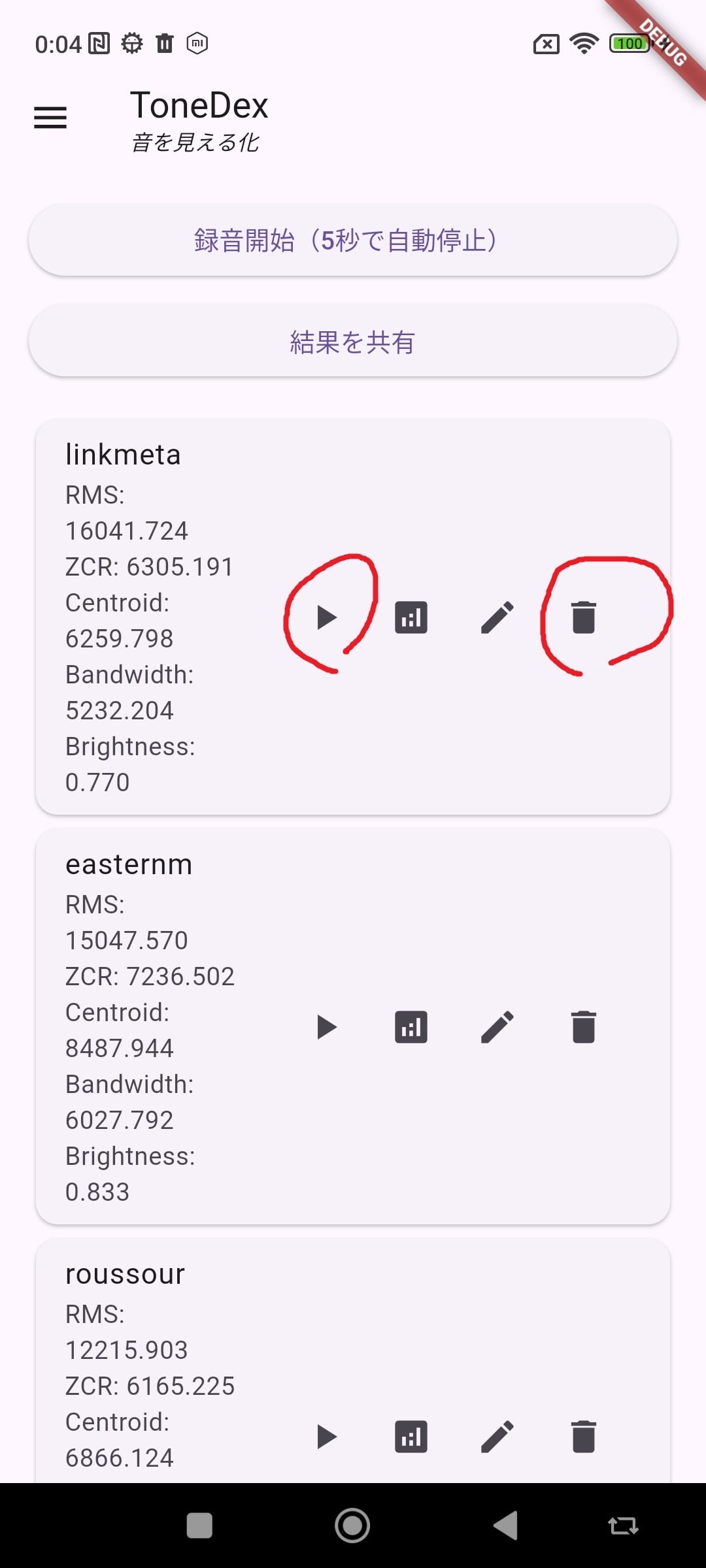
Play back recordings using the Play button.
Delete recordings using the Trash button.
再生ボタンで録音を再生。
削除ボタンで録音を削除。
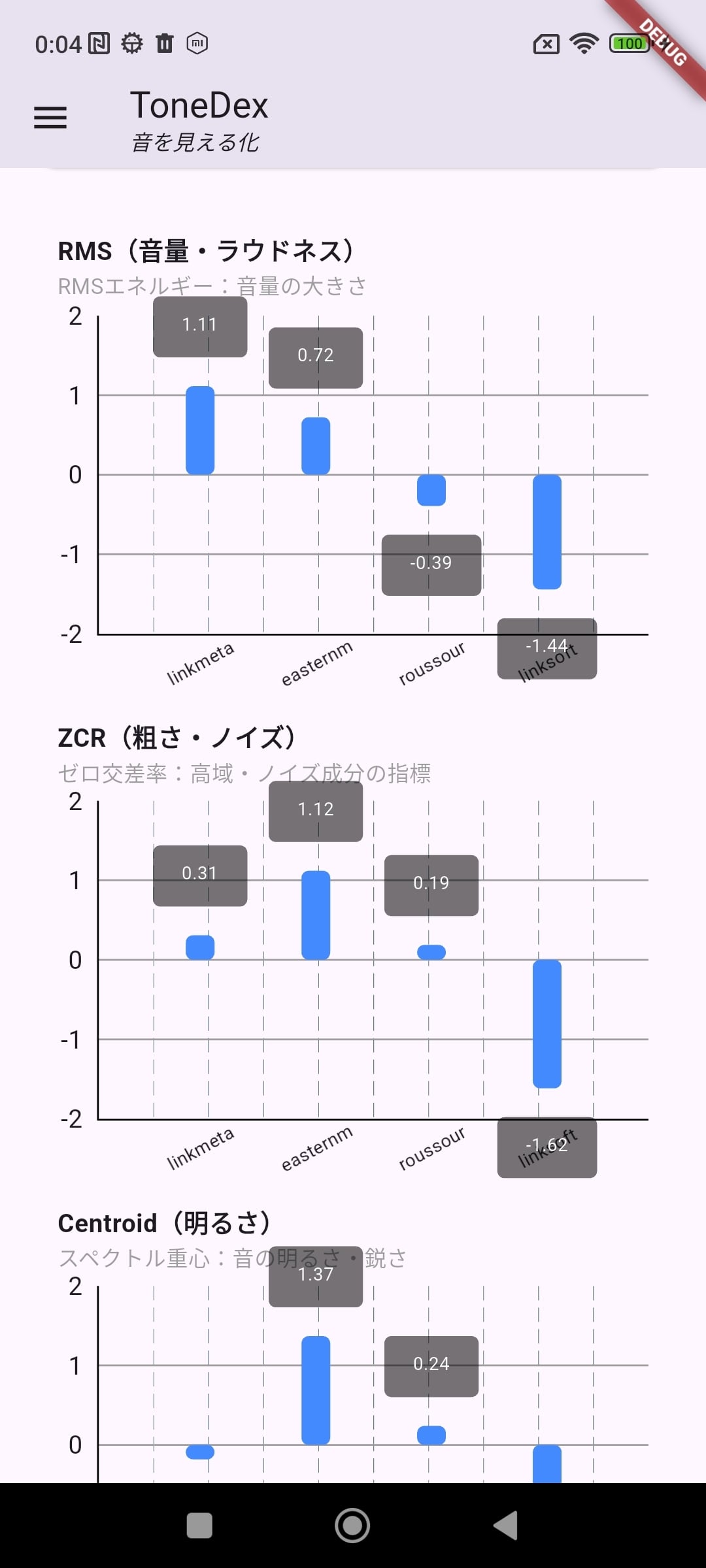
Tap the Analyze button to analyze each recording across five parameters.
Results are shown both as numbers and Z-score-based bar graphs.
分析ボタンで録音ファイルを5つの指標について分析、結果を数値とグラフで表示。グラフはZスコア化して表示。
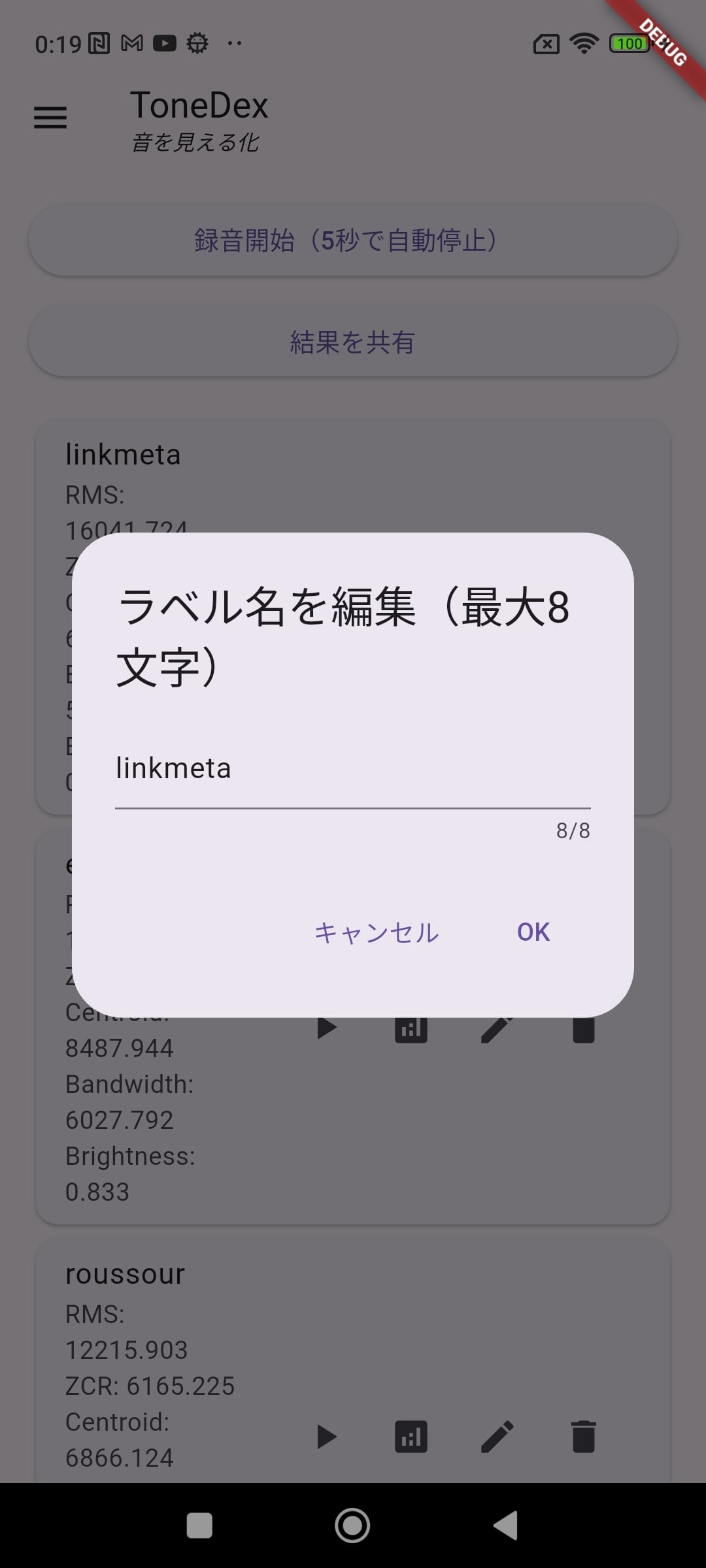
Each recording is automatically named by date/time.
You can rename files using the pencil icon.
録音ファイルには自動で年月日をファイル名が付く。鉛筆ボタンでファイル名を変更できる。
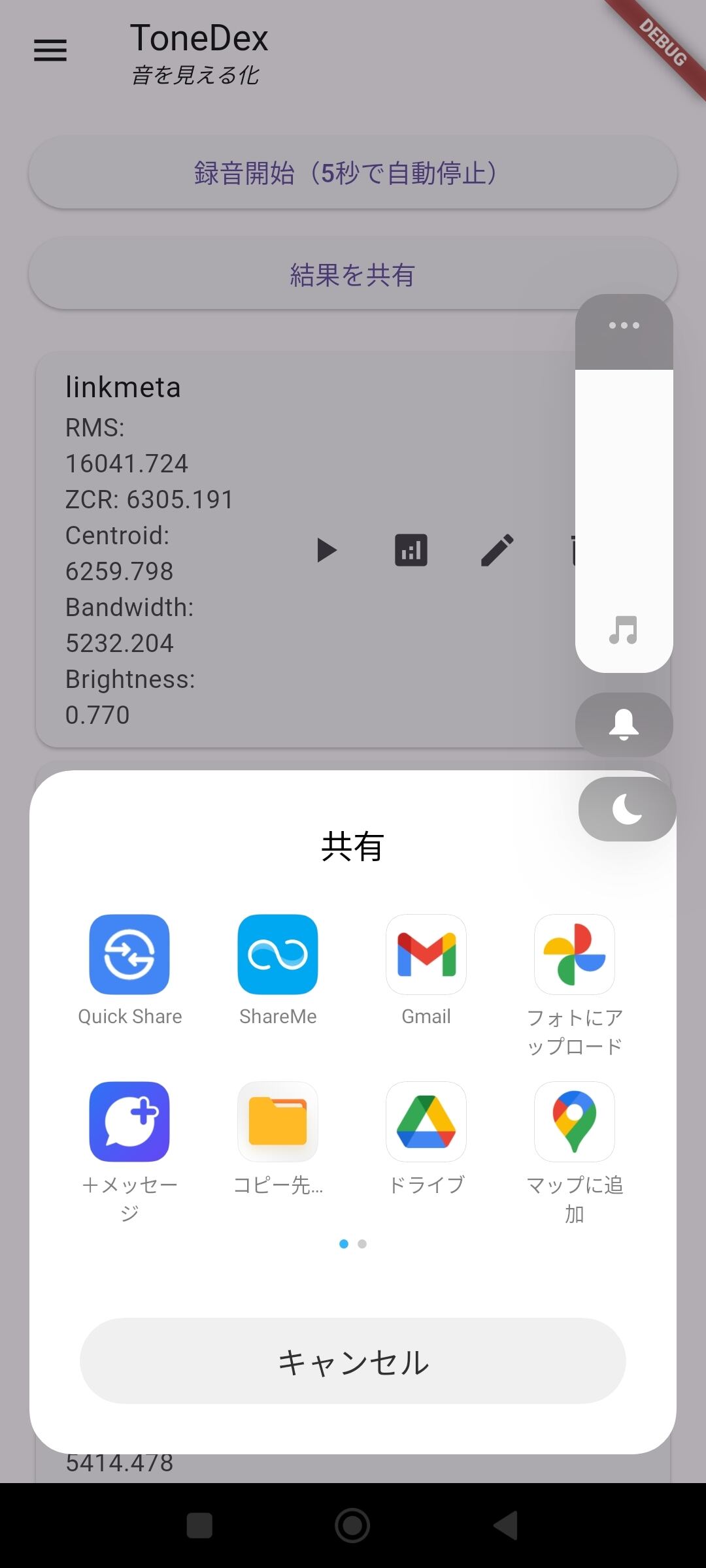
Use the Share button to export analysis results (numeric values and graphs).
Feel free to ask questions and share findings in our user community:
結果を共有ボタンを押すと、分析結果(数値、グラフ)を共有できる。
FACEBOOKにユーザーグループがある。